


Use the same account on desktop and mobile. Wallet, My Bets, Bonus, Favourites and Security remain linked to the same profile, so changing device does not create another balance.
Useful Mobile Features
- Transaction for payments and TxID.
- My Bets for tickets and settlement.
- Bonus and Rollover for promotions.
- Favourites for saved games.
- Security and 2FA for account protection.
- Support with precise references.
| Task | Best section |
| Review a bet | My Bets |
| Check a transfer | Transaction |
| Check a bonus | Bonus / Rollover |
| Open a saved game | Favourites |
| Manage security | Security |
iPhone and iPad
Add BC.GAME to the Home Screen through Safari for faster access to the same web account.
1. Open BC.GAME in Safari.
2. Tap Share.
3. Select Add to Home Screen.
4. Log in with the original profile.
Android
Use the responsive site without installing anything or follow the official Android route shown by BC.GAME. Avoid APK files received through messages, forums or ads.
1. Open BC.GAME.
2. Go to the App area.
3. Use the official Android route.
4. Log in to the same account.
Logging In on a New Device
Check Wallet, My Bets and VIP before making another payment. If the data looks unfamiliar, review the e-mail, phone, Google or Telegram identity used for Login.
Updating the App
The file source matters more than the logo. Install updates only through the official route.
Mobile Payment Options
Open Wallet and Transaction to review deposits, withdrawals and TxID. You can inspect a payment without starting a new one.
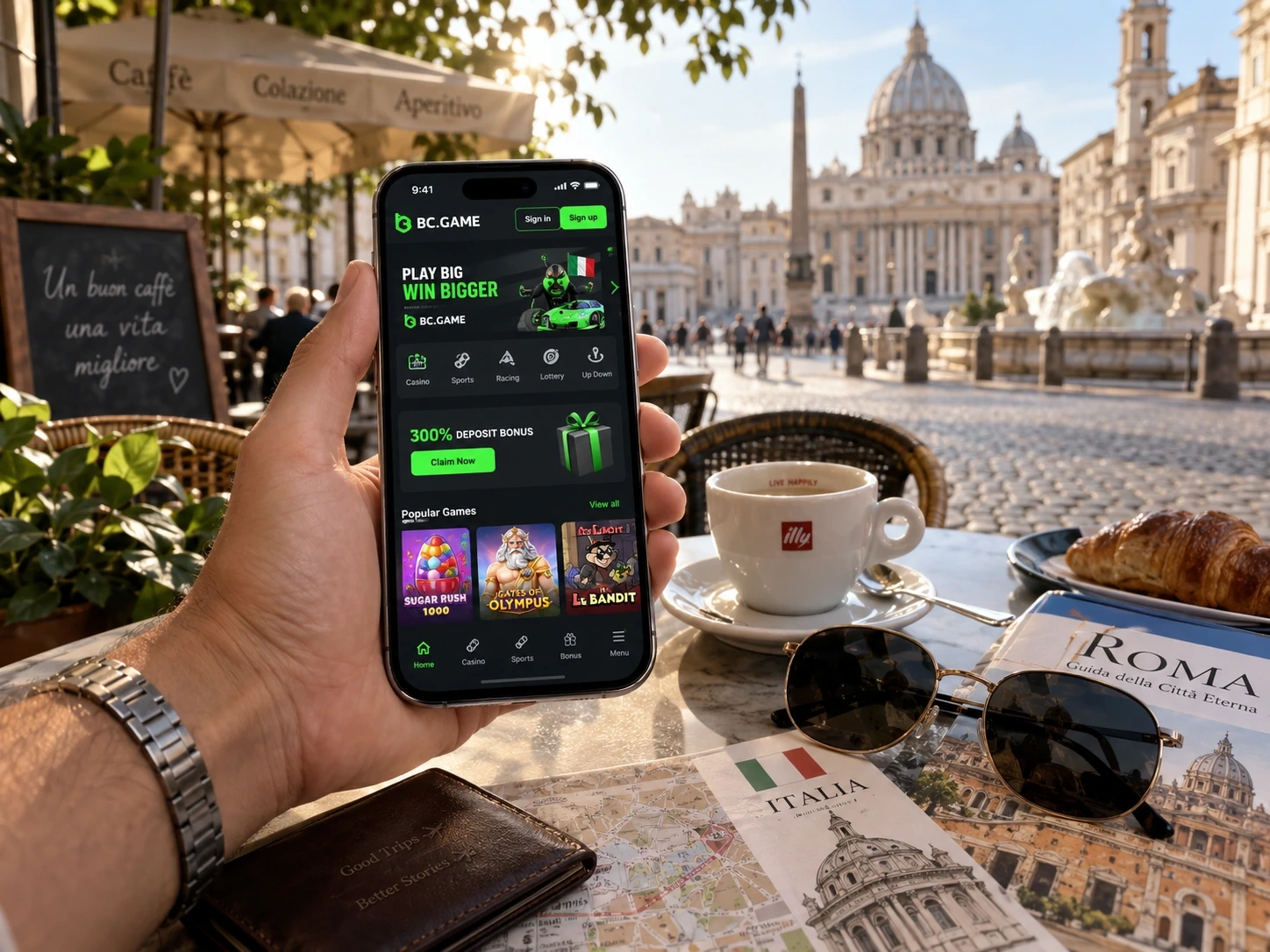
My Bets on Mobile
Ticket ID stays the same across devices, so you can place a ticket on desktop and follow settlement from your phone.
Bonus and Rollover
Push notifications do not prove eligibility. Use the campaign state inside the signed-in account.
Public Wi-Fi
Avoid deposits, withdrawals, recovery and security changes on an untrusted public network.
Screen Lock and 2FA
Protect active sessions with device lock and 2FA. If you use Google or Telegram for Login, secure that connected account too.
ADM Check on Mobile
An app or shortcut does not replace the need to verify the authorised Italian concessionaire and domain.
Mobile Support
Prepare TxID, Ticket ID or Round ID before opening chat. A precise reference reduces unnecessary data sharing.
App Removal
Removing an app or shortcut does not delete account-side histories.
Browser or App: Choose the Access Route You Need
For occasional account checks, the responsive site may be enough. For frequent access, the official Android route or an iPhone Home Screen shortcut can reduce steps without changing the account.
Search and Favourites on a Small Screen
Search is the fastest way to open a known game. Favourites is even more useful on mobile when you want a short route back to saved titles.
Transaction Is Useful Without a New Deposit
Open Wallet to review the status, amount and TxID of an existing transfer. You do not need another payment to make Wallet useful.
My Bets Across Devices
A ticket placed on desktop remains in My Bets on mobile with the same Ticket ID. Settlement can be followed without finding the event again.
Bonus Expiry on Mobile
Open Bonus to check expiry and Rollover in seconds, especially for Free Spins or short campaign windows. Close the account afterwards if no action is needed.
Recovery and Connected Login
Secure recovery e-mail, Google or Telegram with 2FA where available. A weak connected account can undermine an otherwise secure login.
Check the Domain Before Login
Mobile links can hide much of the URL. When in doubt, open the official domain manually before entering credentials.
Mobile Should Not Speed Up Financial Decisions
Deposits, withdrawals and bets still deserve the same final check of amount, network, odds and stake even when the controls are one tap away.
Support on Mobile
A precise ID and a short description are usually enough to begin. Avoid sending many screenshots when one reference identifies the case.
Home Screen Is Only a Shortcut
Adding BC.GAME to an iPhone Home Screen does not create a local wallet or another account. The same login loads the same balance and histories.
Mobile Bonus Checks Do Not Need a New Session
Open Bonus simply to review expiry, Rollover or a newly credited reward, then close the account if no other action is needed.
Official Updates Should Preserve Your Profile
After an official update, the same login should restore Wallet, My Bets, Bonus and Favourites. If an app asks you to create a new profile, verify the source first.
Support on Mobile Works Best with Short Messages
Send the correct ID and one or two sentences describing the issue. A precise TxID or Ticket ID usually gives more useful context than many screenshots.
Device Permissions Do Not Change Account Records
Disabling notifications or camera access affects the local device only. Wallet, bets, bonuses and histories remain attached to the account.
Favourites Sync Saves Time
A title saved on desktop should still appear on mobile when the same profile is open. This gives you a fast route back without another search.
Bonus and Rollover Are Ideal for Quick Checks
Open the account only to confirm a reward, expiry or progress, then leave. Mobile access remains useful even when you are not starting a new session.
Mobile FAQ
Do I need a new account for mobile?
No. Use the same profile.
How do I add BC.GAME to iPhone?
Safari, Share and Add to Home Screen.
Can I use Android without installing an APK?
Yes, through the responsive site.